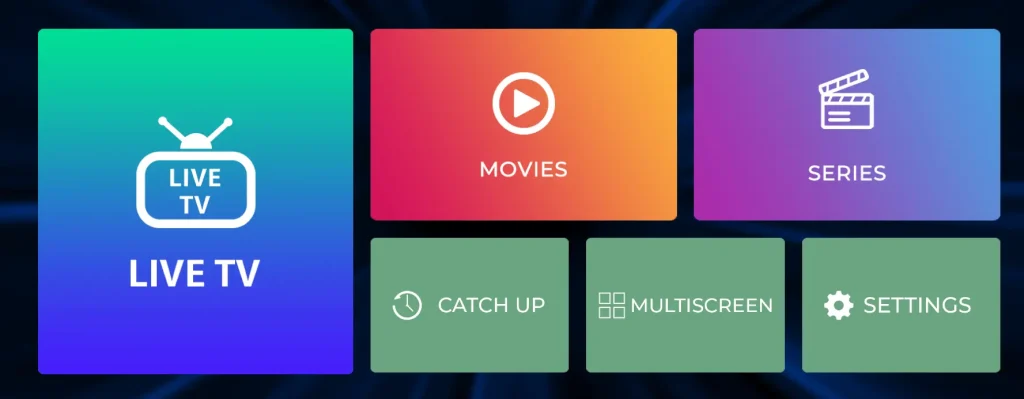
Download IPTV Smarters Pro from the Google Play Store on Android or the App Store on iPhone/iPad. Then follow these steps:
- Step 1: Open IPTV Smarters Pro and select Add New User.
- Step 2: Choose Xtream Codes API or M3U Playlist and enter your IPTV login details.
- Step 3: Select Add User or Login and wait for your channels, movies, and series to load.
- Step 4: Select your profile from the user list. Your IPTV Smarters Pro setup is complete, and you can start watching your content.
If you don’t have a subscription yet? Get yours here: Click Here